Inspect
Everything you need to organize & execute inspections on the go
Spherexx Inspect is a flexible mobile inspection and asset-management application designed to simplify inspections, improve documentation, and reduce errors across multifamily real estate and other physical assets.
Inspect from a phone, tablet, or desktop—with or without an Internet connection—and capture the information your teams need while they are on site.
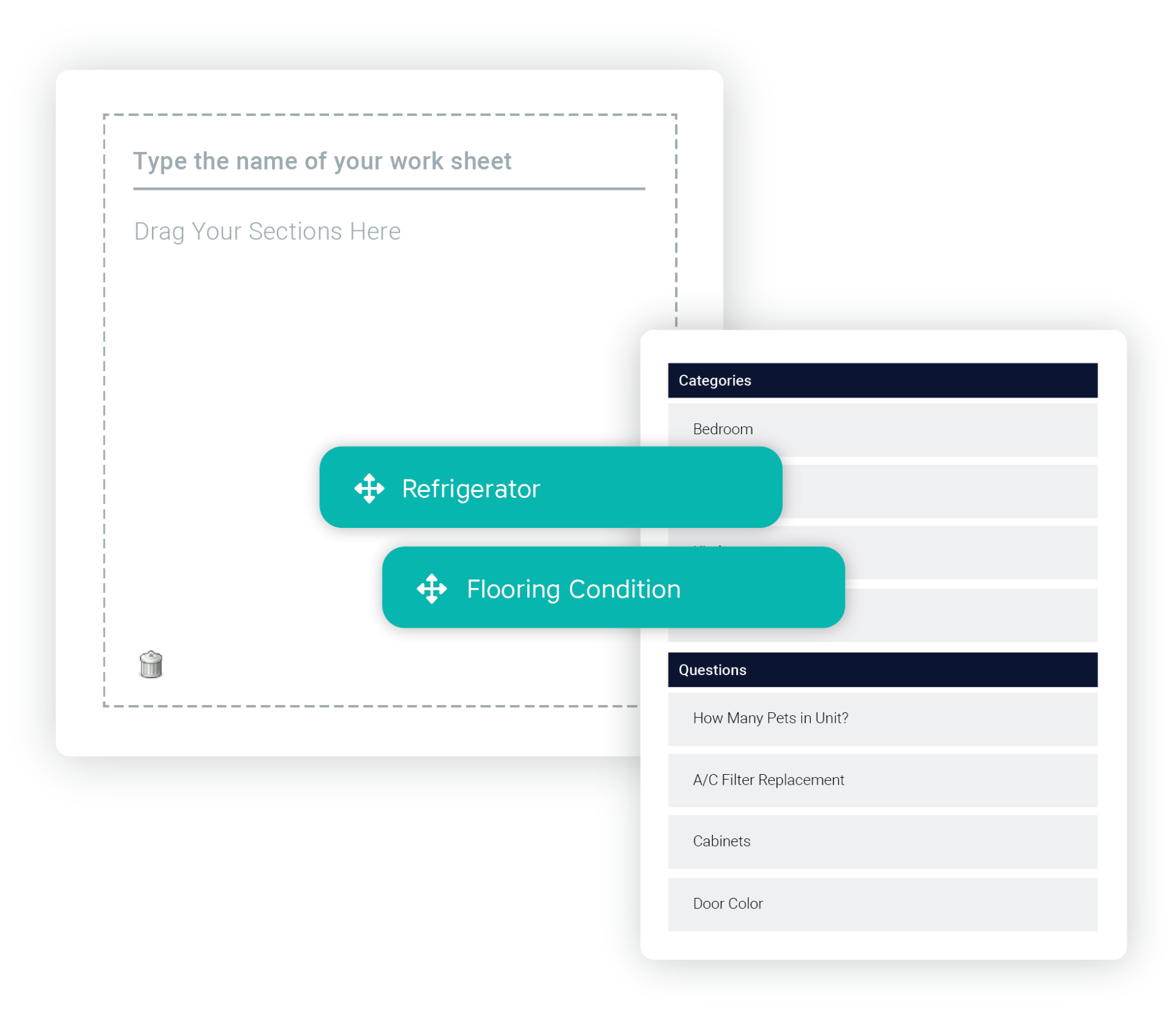
Template set up is simple! We setup your first walk sheet, then all need you do is drag and drop your content to customize new templates for future inspections.
Add as many details as you want down to the colors, brand names and finish types to make sure no inspection detail is overlooked.
We also include a variety of multifamily industry checklists that you can use with one click! If your company has set of standard checklists, they can all be created in Inspect.
Assign work orders, track progress and inspection times, grade unit conditions for better make-ready planning, establish replacement costs for budgeting, and create customized inventories.
Spherexx Inspect helps teams move beyond simply recording a condition. Inspection data can support maintenance planning, purchasing, innovation, compliance documentation and operational follow-through. Export inspection information to Excel and PDF, with property management software integration available upon request.
Spherexx provides initial setup based on your specifications, helping configure the application around your properties and inspection requirements.
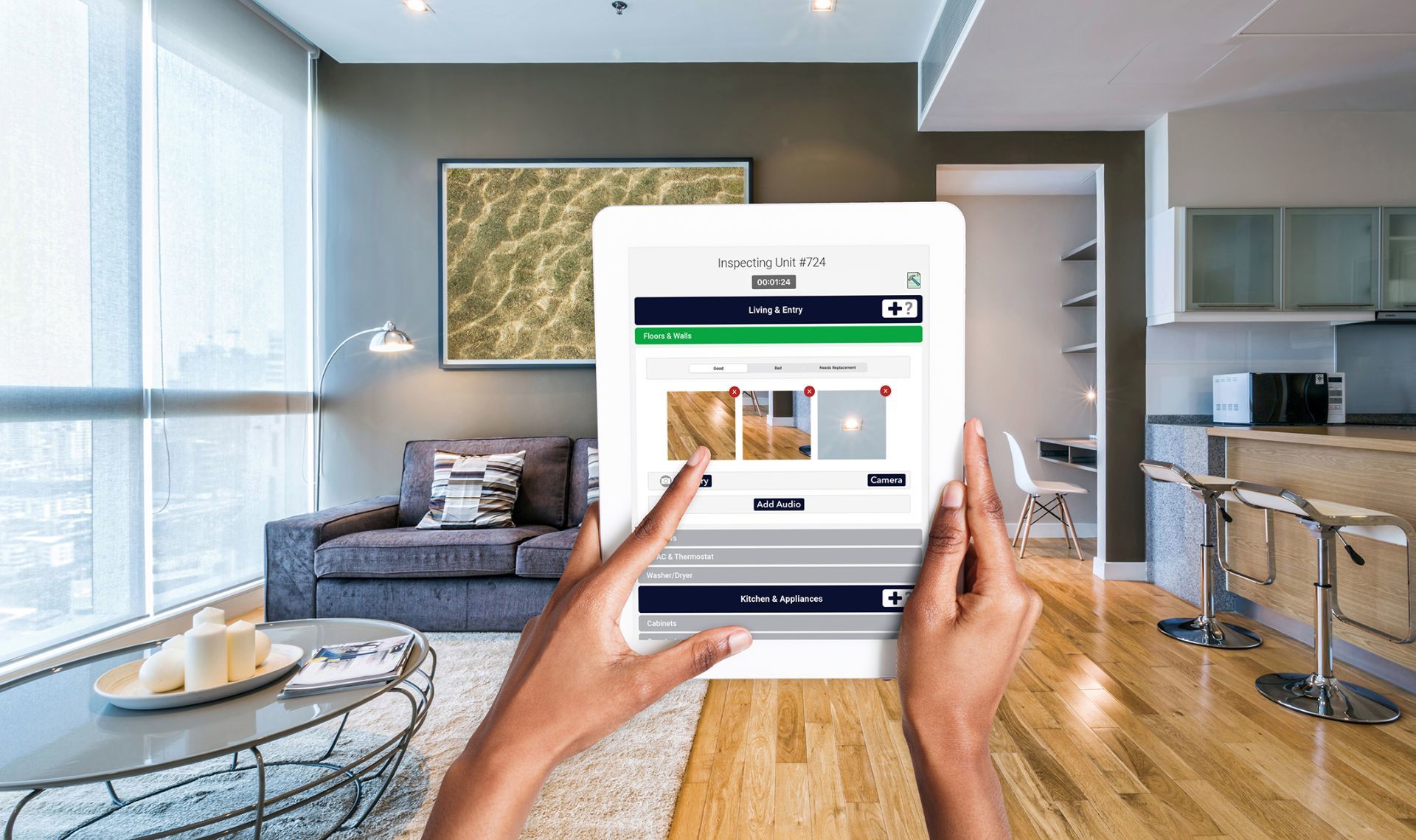
No need to spend valuable time typing out lengthy descriptions, you can capture detailed photos as you inspect directly in the app eliminating confusion and making it easy to collaborate with maintenance staff for repairs!
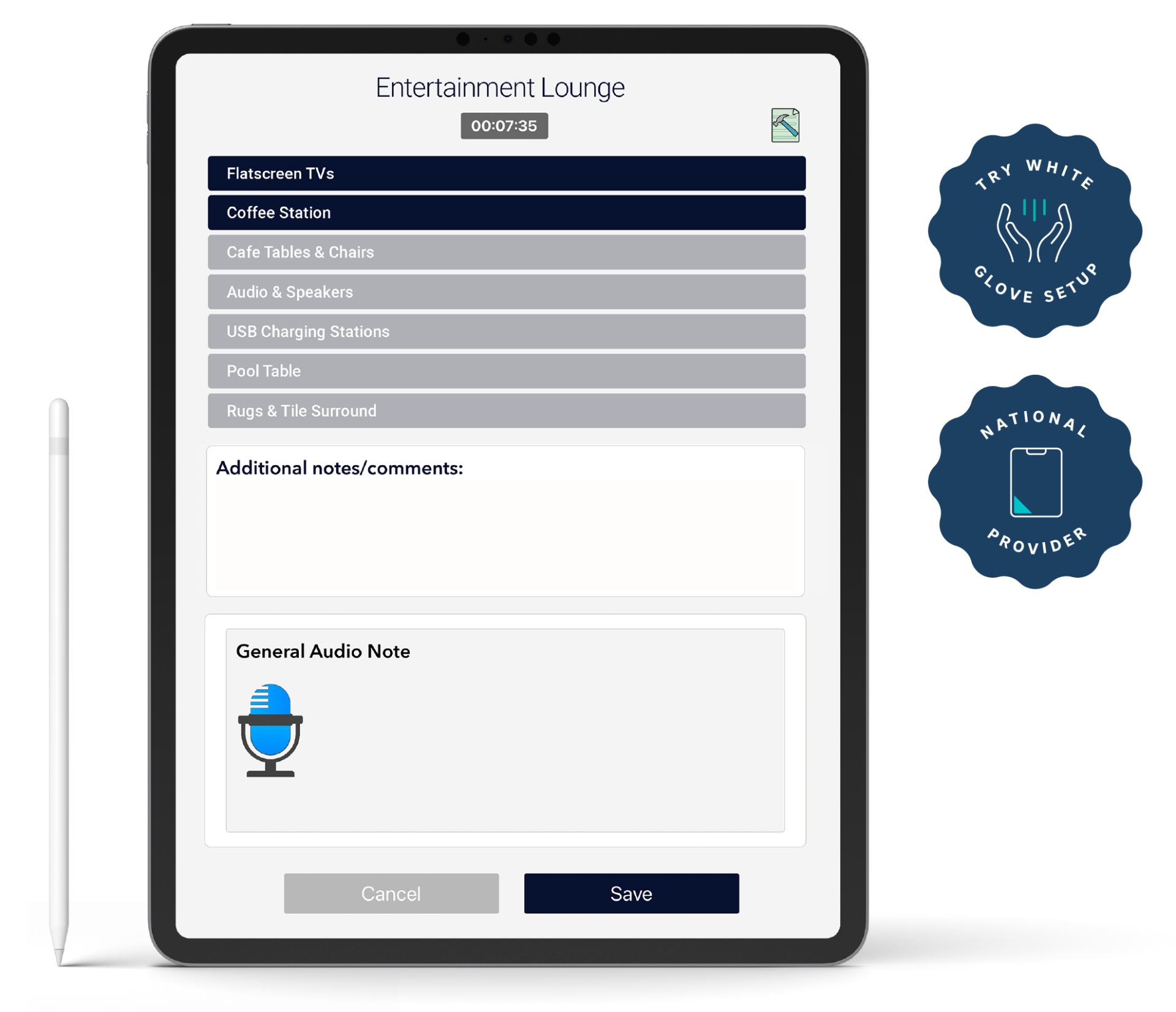
Never misplace or forget another note! With Inspect, you can record your thoughts and comments for reference and they will always be included alongside your reporting.
Every photo and audio note is time stamped as it's added for a precise, verified record of what was going on at that exact point in time. If a dispute arises, you will be able to examine whether the issue in dispute happened before or after the inspection was completed.
Inspect offers customizable condition scoring so deficiencies can be classified based on your criteria.
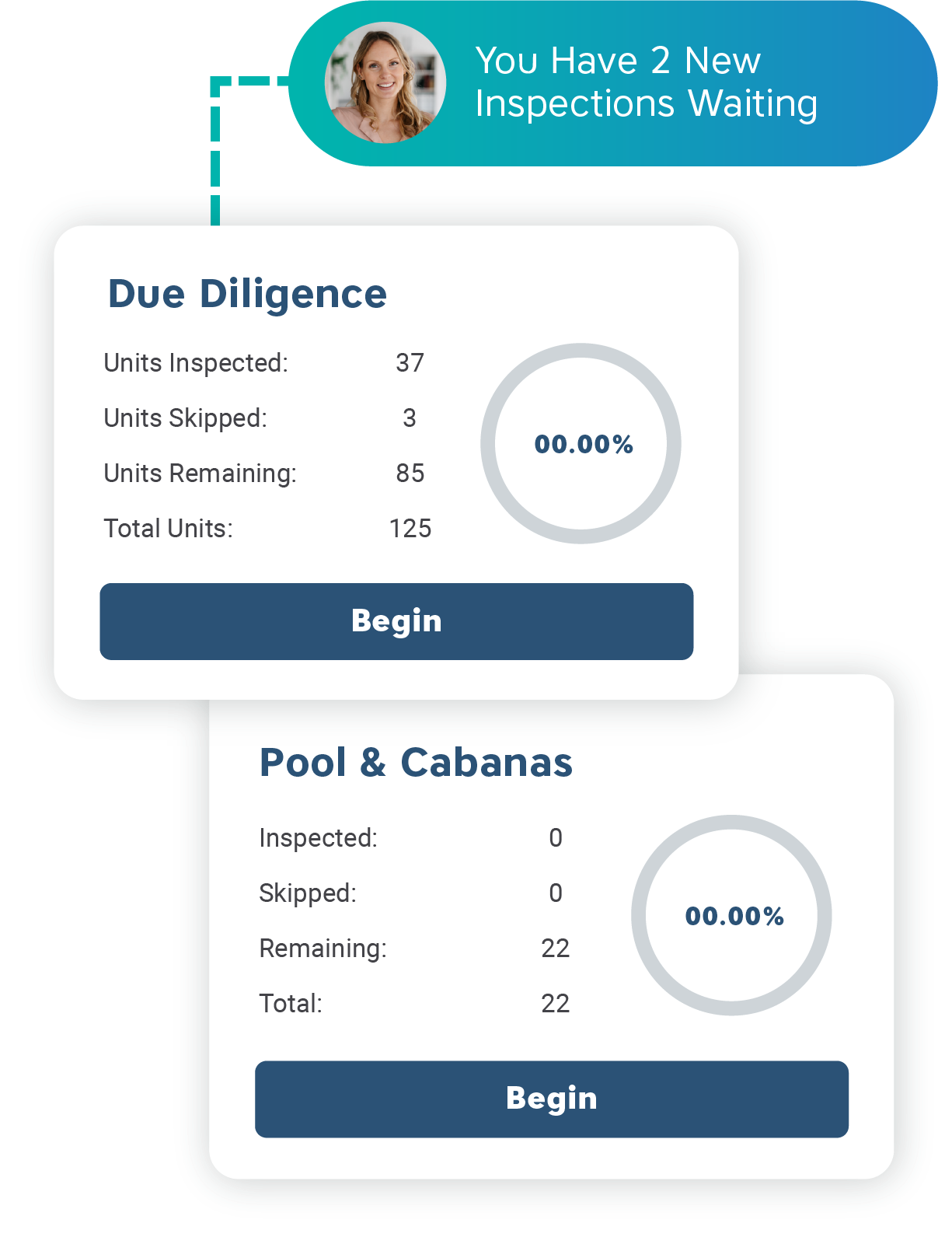
Our software keeps a running total as you progress through the inspection eliminating the need to stop and do math on your phone while you walk the property.
Auto-calculate takes into consideration your pre-defined replacement costs and the condition of inspected items. When your inspection is complete so are your totals!
No need to worry about sketchy Wi-Fi service. With offline mode, you can work whenever and wherever you need. All your data will be saved to your mobile device and synced once your back online.
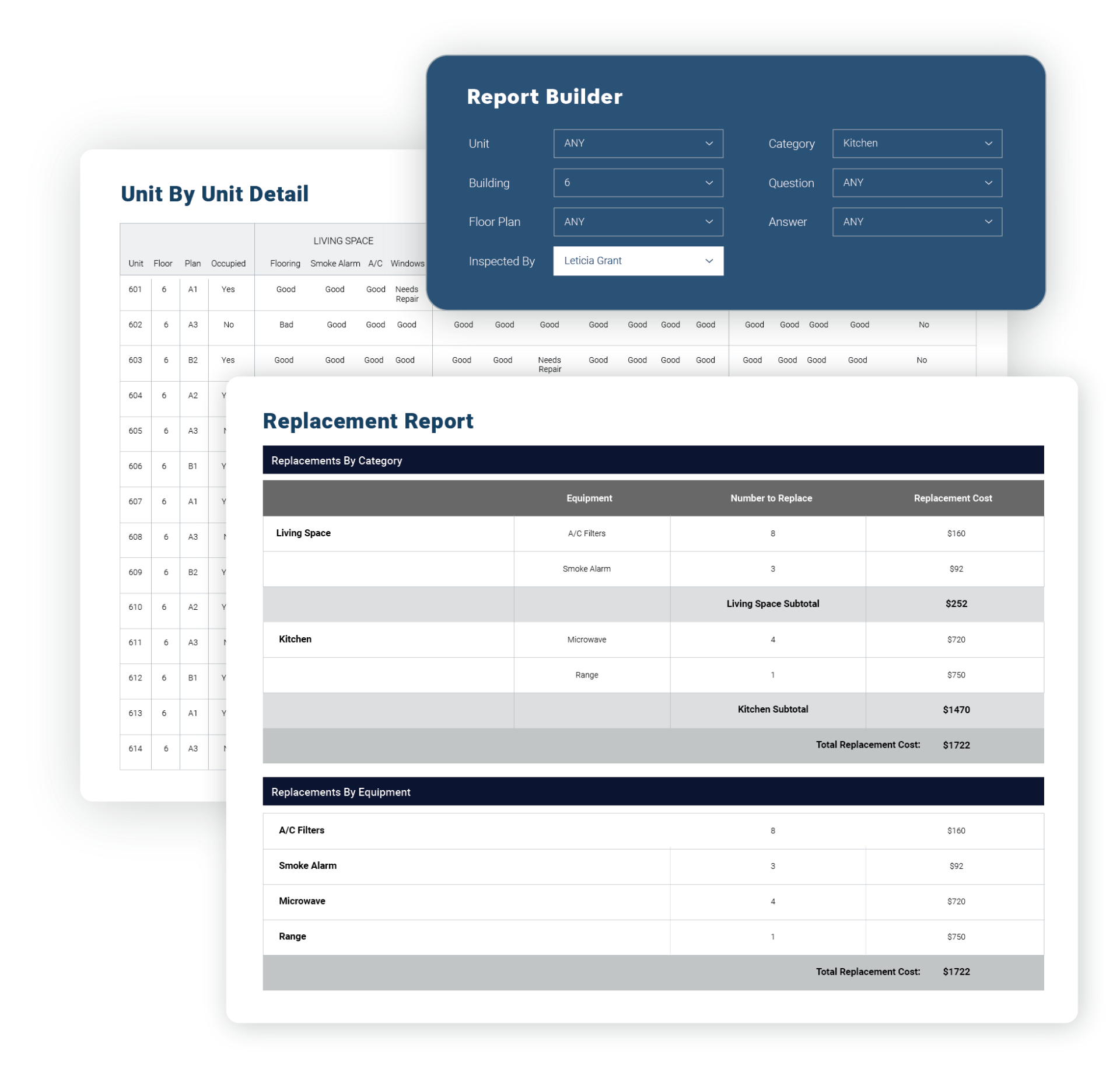
Our comprehensive dashboard enhances decision making by providing both snapshot and in-depth inspection reporting. The dashboard also offers a report builder with a wide range of customization options that allow you to design reports to exactly fit your needs. Share reports with owners, regional managers and your onsite team by using the Microsoft Excel and PDF export buttons.
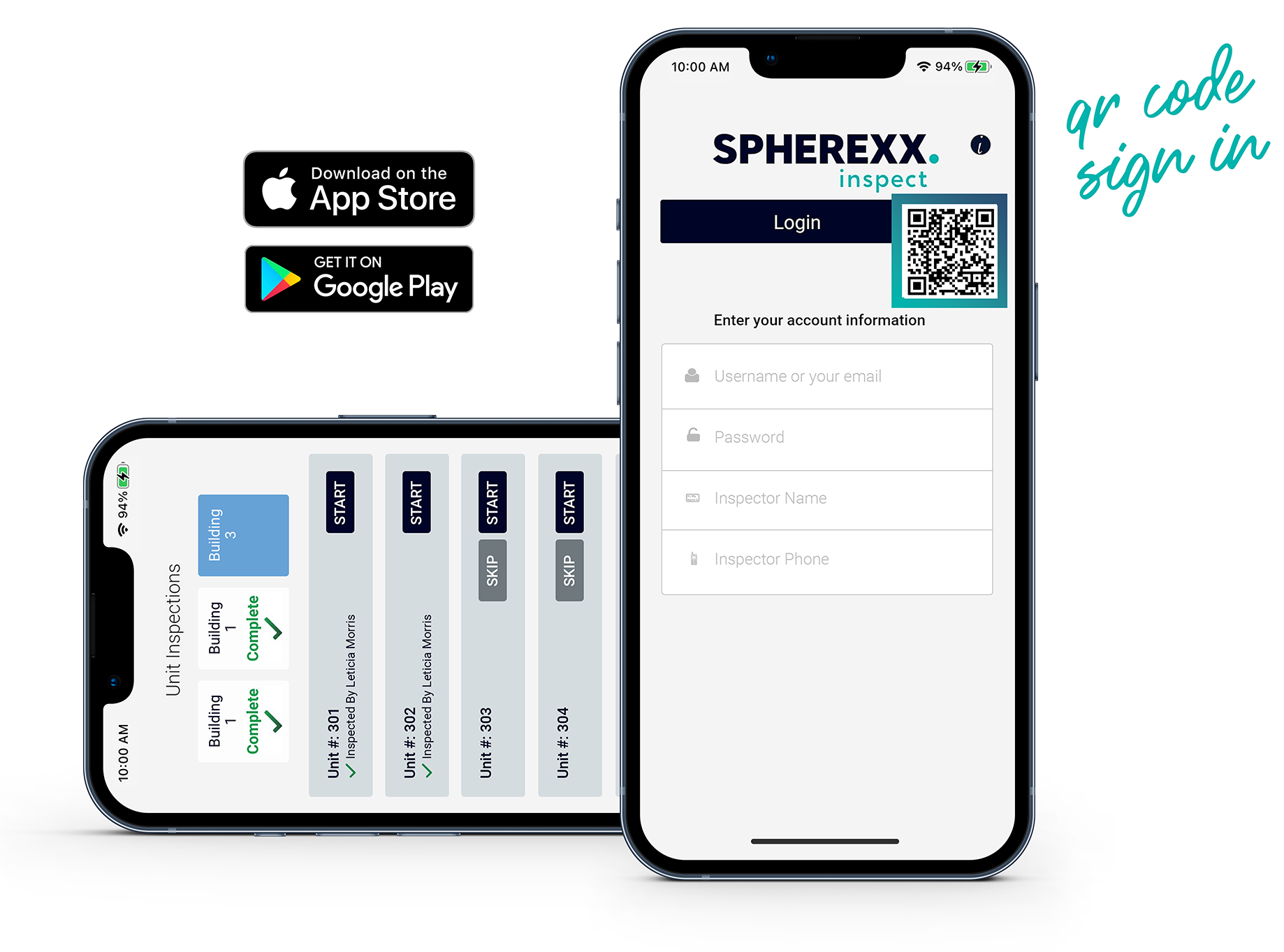
The Inspect desktop dashboard pairs with our companion app for iOS and Android tablets and smartphones. Inspections are sent directly to the app for use and synced with the dashboard for permanent storage.
Make login even easier by enabling QR code sign-in (iOS only).
When you collect, document and file all your inspections digitally you create an added layer of security to protect when legal issues arise. Monitoring and catching issues early helps you avoid costly mistakes.
Another benefit? Documented inspections can help you reduce insurance premiums.
We are committed to the privacy and security of your data. That's why your data is stored and backed up securely using Microsoft Azure. Azure is independently certified and meets rigorous security standards and regulatory requirements.
Spherexx has full redundancy with multiple power and internet feeds so you can rest comfortable knowing that your data will not be lost or tampered with.
Interested in dedicated inspection tablets?
Tablet hardware is also available through Spherexx and can arrive configured with setup instructions for a user-ready experience.
We can provide tablets that come pre-installed and ready to go with all your data. All we need to get started is your rent roll, unit mix and items to tally.
Spherexx is the national iPad provider for Lincoln Property Company, ZRS, Pinnacle and many more!
Spherexx is a privately held company with no outside investors or venture capital. This means our focus is developing products and services that fuel your success.
Clients build long-term relationships with Spherexx because our marketing suite and operations software work in tandem to deliver solutions that set you apart!
We seamlessly synchronize your data across multiple channels to maximize your productivity and drive growth.
Choose the plan that’s right for your business. Whether you have a small business or a large one, we’ve got you covered.
Yes! Spherexx Inspect is designed to work while offline. Just a few things to keep in mind:
The last user is the only person who can log in if there is no internet access.
Your inspections will be saved locally to your current device. Saved inspections will be uploaded to to the server when you reconnect to the internet and perform a sync.
Inspect provides periodic geolocation tracking when the user is logged in with an active internet connection.
Once you’ve created a due diligence property, the data is all stored in Inspect so it's easy to migrate it over to an ongoing inspection setup.
Our team of experts can walk you through all the features of this powerful yet easy-to-use tool and recommend the best plan to fit your company.